
Plans & billing
Billing lives under Settings → Plan & billing and is visible to workspace owners and admins.
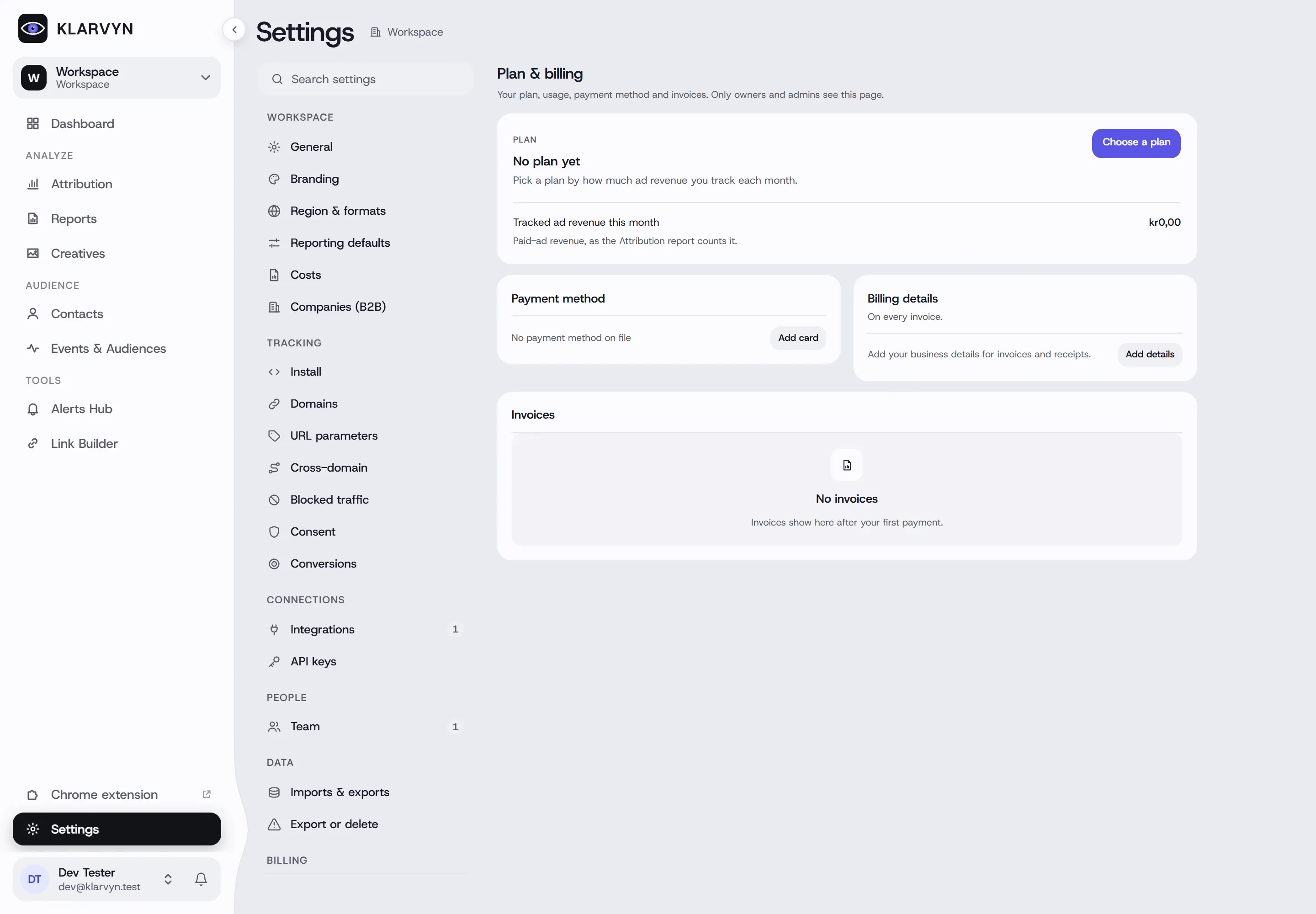
Your plan and usage
Section titled “Your plan and usage”Klarvyn’s plans are sized by revenue tracked from paid ads per month. The page shows your current plan and two meters:
- Tracked ad revenue this month — paid-ads-attributed revenue against your plan’s limit.
- Tracked visits — visits against your allowance; extra visits beyond it are billed per 1,000.
Change plan switches plans and billing period — monthly, quarterly, semi-annual or yearly.
If you go past your revenue limit, the page asks you to upgrade to keep tracking new revenue; if you stay over, revenue tracking is paused until you upgrade.
Payment method, billing details and invoices
Section titled “Payment method, billing details and invoices”- Payment method — add or update your card.
- Billing details — company name, address, VAT number and the email invoices go to.
- Invoices — download every past invoice.
Signed up through the Shopify App Store? Your subscription is managed by Shopify — charges appear on your Shopify invoice and plan changes go through Shopify’s plan page. If your workspace is part of an organization that pays centrally, the page shows Organization pays instead.
Cancelling
Section titled “Cancelling”Click Cancel plan — to cancel, email sales@klarvyn.com and the team takes care of it. Your plan stays active until then, and your recorded data is kept.
Good to know
Section titled “Good to know”- Billing is role-gated — members and viewers don’t see the page; ask an owner or admin.
- The revenue limit counts paid-ads-attributed revenue, not your total revenue.