
Connect HubSpot
Connecting HubSpot lets Klarvyn attribute your deals and booked meetings back to the campaigns that created them.
-
In Klarvyn, go to Integrations and click Connect on the HubSpot card.
-
A HubSpot window opens. Sign in and choose the HubSpot account you want to connect, then approve the requested permissions.
-
That’s it — new contacts, deals and meetings now flow into Klarvyn automatically as they happen.
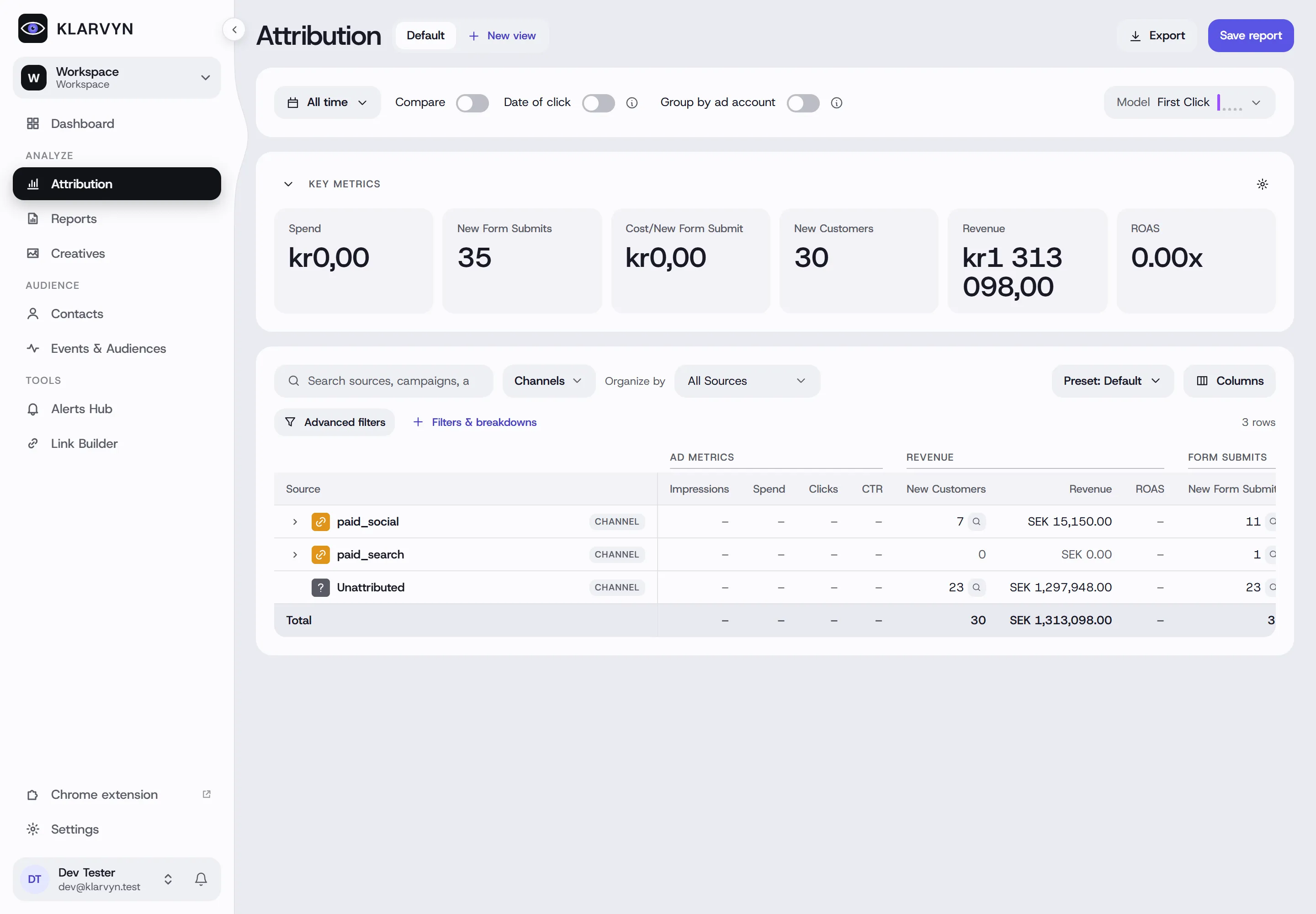
Once data starts flowing, your attribution report shows revenue per campaign:
Good to know
Section titled “Good to know”- Deals need a contact. A deal or meeting is attributed only if it’s associated with a contact in HubSpot — make sure your workflows set the association.
- Historical data: the connection is forward-looking; existing contacts are matched as they next appear in an event.
- Disconnect anytime from the Integrations page. Already-recorded events are kept.