
Creatives
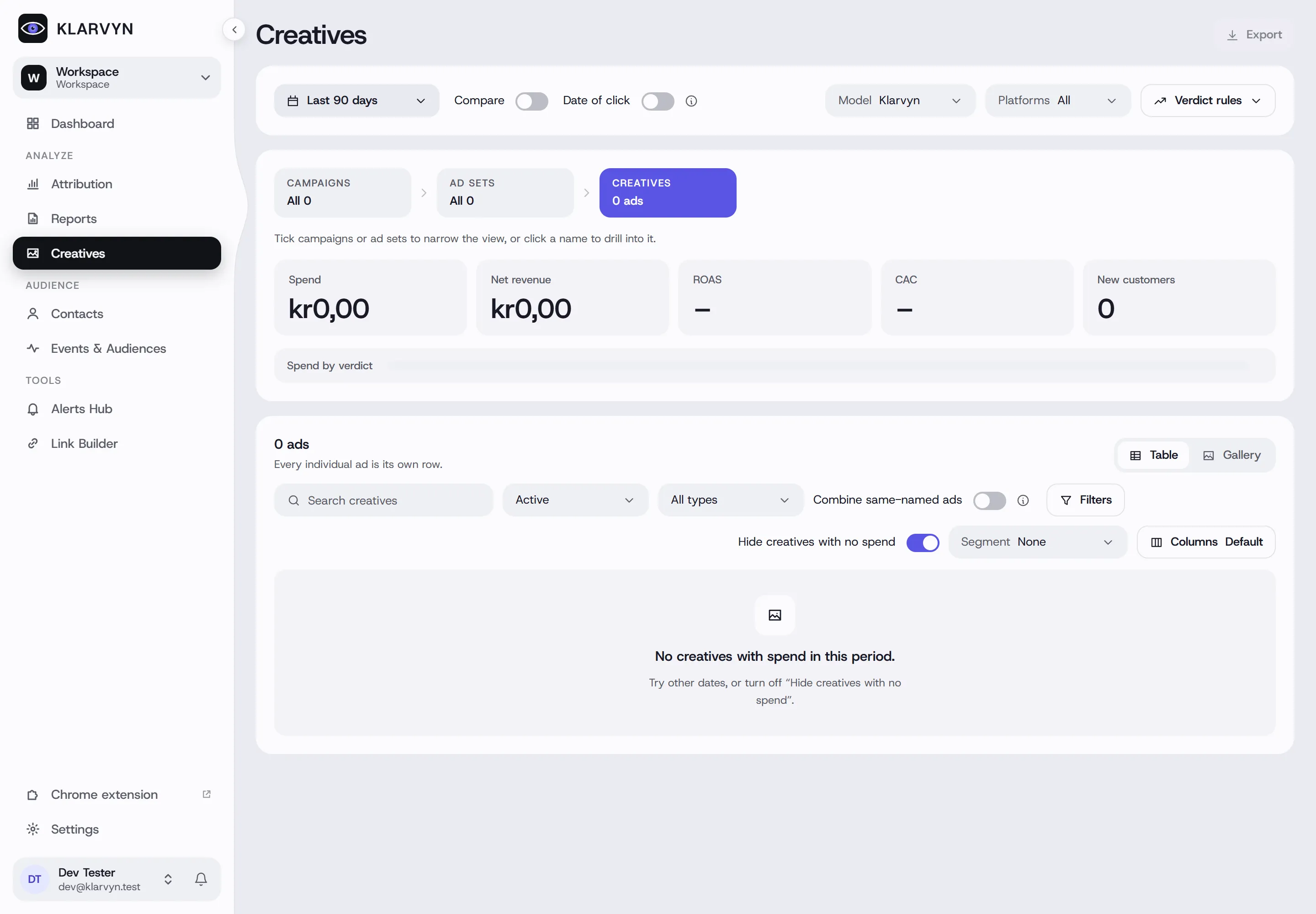
Creatives ranks your individual ads — and their ad sets and campaigns — by the revenue Klarvyn actually attributes to them, and gives each one a plain-English verdict: Scale, Keep, Watch, Cut or Test.
How it works
Section titled “How it works”- Three levels — the Campaigns → Ad sets → Creatives steps at the top. Tick campaigns or ad sets to narrow the view, or click a name to drill into it. On the creative level, switch between Table and Gallery (ad thumbnails).
- Key numbers — spend, net revenue, ROAS, CAC and new customers for what you’re looking at, plus a Spend by verdict bar.
- Verdicts are your rules, not a black box — thresholds for spend, ROAS and CAC that you can edit under Verdict rules. With sales-cycle rules on, young ads show as Maturing instead of being cut before they’ve had time to convert.
- Fatigue — Fresh / Softening / Fatigued, based on comparing the recent window against the prior one.
- Video analysis — hook rate, hold rate and an audience-retention curve (3s → 25% → 50% → 75% → 100%) in the detail drawer, plus a placement breakdown.
- Two ROAS numbers — Klarvyn’s true, net-revenue-based ROAS in the table, and the platform’s own claimed ROAS shown separately in the drawer. Expect them to disagree; that gap is the point.
Good to know
Section titled “Good to know”- Zero-spend rows are hidden by default (Hide creatives with no spend — the label follows the level you’re on) — turn it off to see paused ads.
- Fatigue needs data: the Compare toggle on, and at least $50 spend in both the current and prior window — otherwise the column stays blank.
- Combine same-named ads merges the same creative across all campaigns and ad sets into one row — ideal when you reuse winners widely.
- Date of click works like in the attribution report: revenue counts under the click that drove it, keeping slow sales cycles honest.
- Hook/hold rates apply to video creatives only — images show “—”.
- Ask an AI assistant “which creatives are fatiguing?” — it reads the same numbers as this page.