
Settings
Settings (at the bottom of the sidebar) has a left-hand menu with search
and 19 pages in six groups. Each page has its own address
(/settings/<page>), so you can bookmark or share a link straight to it.
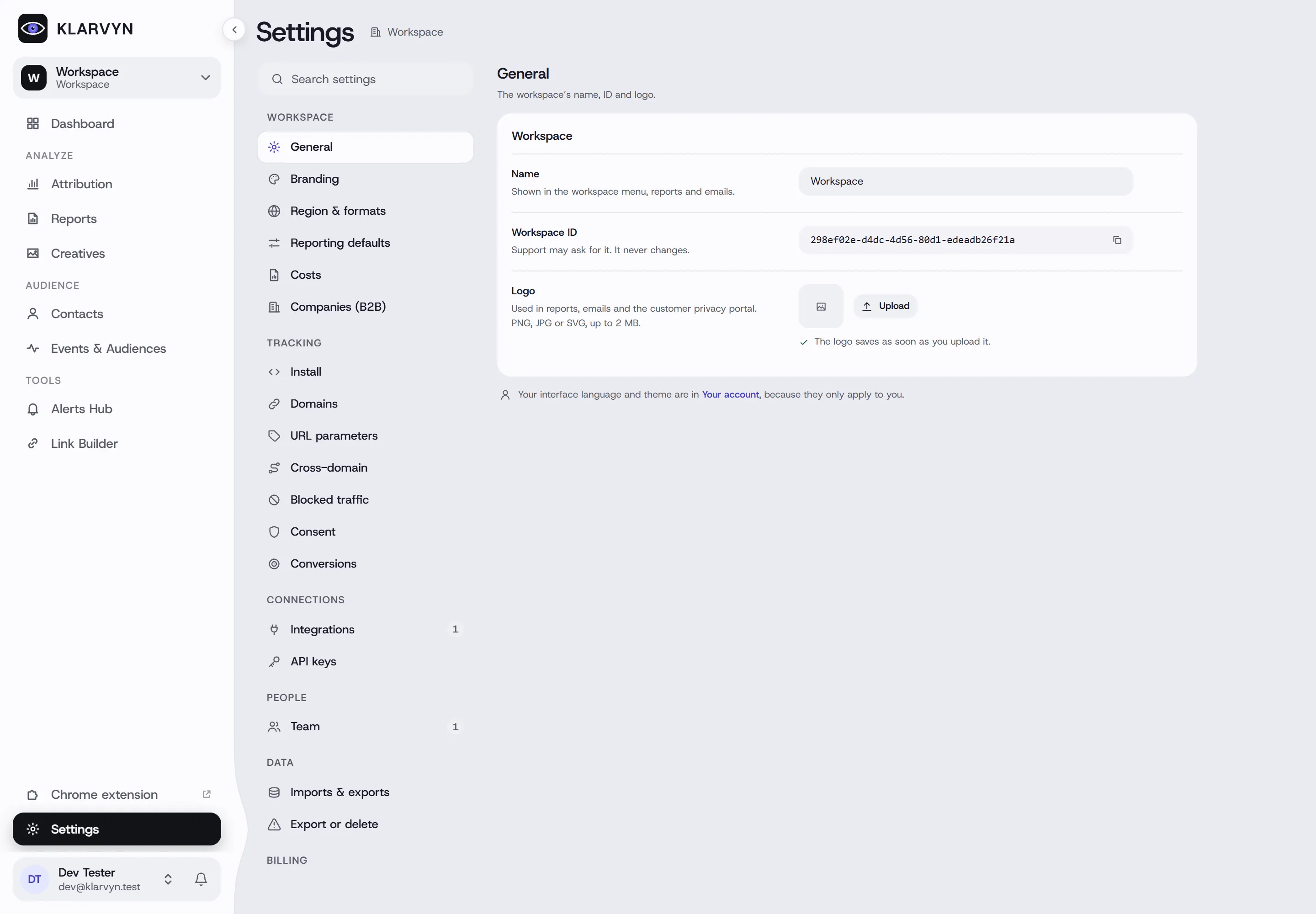
Workspace
Section titled “Workspace”- General — workspace name, Workspace ID (used by the Shopify app and headless setups) and logo.
- Branding — brand colour and footer text for reports and emails.
- Region & formats — timezone, currency, date and number formats.
- Reporting defaults — the date range and attribution model reports open with.
- Costs — costs on every sale, payment fees, shipping and running costs, used by Profit.
- Companies (B2B) — turn Companies on or off.
Tracking
Section titled “Tracking”- Install — the tracking snippet and where it’s served from. See Install the tracking script.
- Domains — your own tracking subdomain(s).
- URL parameters — how ad-platform parameters map to campaigns, ad sets and ads.
- Cross-domain — follow visitors across your own domains.
- Blocked traffic — exclude your own team, test traffic or specific emails, domains, phones and IPs.
- Consent — how consent from your cookie banner (or Klarvyn’s built-in banner) reaches Klarvyn.
- Conversions — how conversions are matched and sent back to ad platforms: lookback window and location/IP matching.
Connections
Section titled “Connections”-
Integrations — connect ad platforms, payments, CRMs, scheduling tools, forms, split testing, notifications, automation and AI assistants. Every tool has its own guide in the Integrations section.
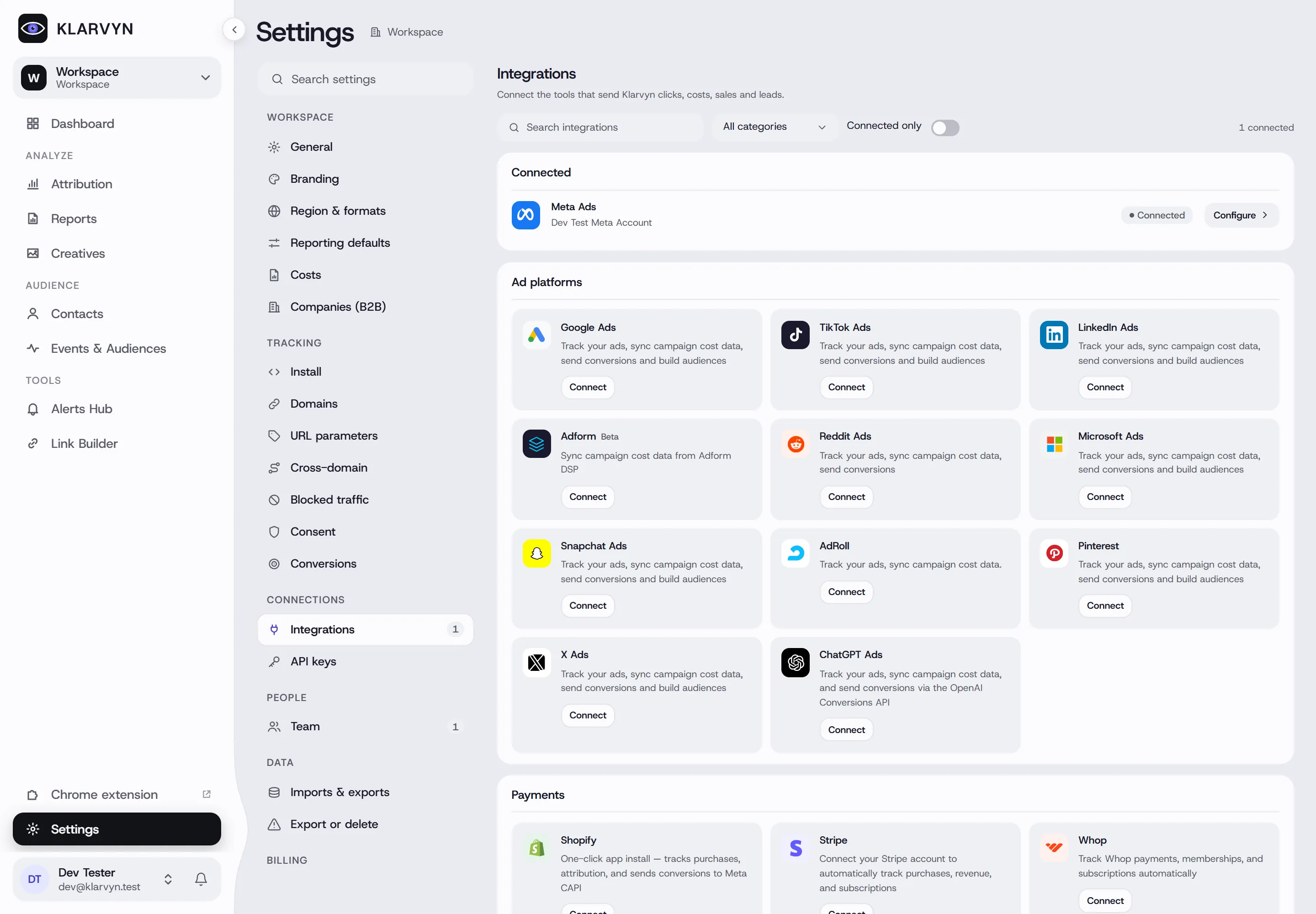
-
API keys — keys for sending data to Klarvyn programmatically, with the API reference. For AI assistants, the login-based AI Assistant (MCP) card under Integrations is the easier path — no key handling.
People
Section titled “People”- Team — invite people and manage roles. See Team & workspace.
- Imports & exports — an audit log of every import and export: who ran it, when, how many rows landed or were skipped, with a preview. Imports can be undone — undo removes only what that import created, never existing data. The importer itself lives on the Contacts page.
- Export or delete — Export all data (CSV files in a ZIP), or Ask support to delete the workspace (owner only, confirmed by email).
Billing
Section titled “Billing”- Plan & billing — your plan, usage, payment method and invoices. Visible to owners and admins. See Plans & billing.
Good to know
Section titled “Good to know”- Language and theme (light/dark) aren’t in Settings — they’re per person, under Your account in the account menu at the bottom of the sidebar.
- Old links to Settings tabs (
?tab=…) still work — they redirect to the right page.